Real-Time Email Validation for Signup Forms
Validation App Team
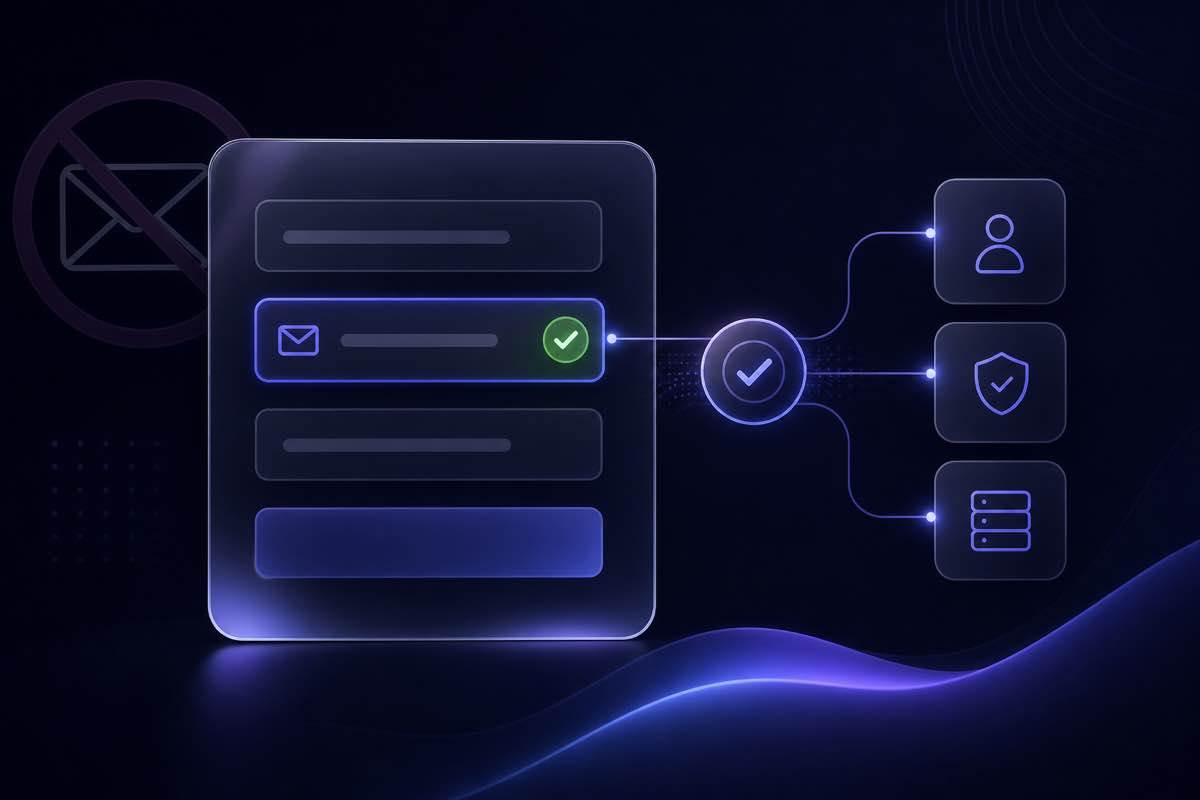
Most signup forms still rely on a regex and a confirmation email days later. By then, disposable addresses, typos that look valid, and dead corporate mailboxes are already in your database—skewing activation metrics and setting up future bounce problems when lifecycle email kicks in.
Real-time email validation checks an address while the user is still on the form, usually within a second or two. This guide is for developers and product teams wiring validation into registration flows: where to run checks, how to keep conversion high, and what to block versus flag before an account is created.
What real-time email validation actually does
Real-time validation is not one check—it is a stack you tune to latency and risk:
- Syntax and format — Instant, client-side. Catches obvious typos and malformed addresses before any network call.
- Domain and MX lookup — Confirms the domain can receive mail in theory. Fast enough for inline feedback on blur.
- Disposable and role detection — Flags throwaway inboxes and shared mailboxes (
info@,support@) that rarely behave like individual users. - Mailbox deliverability (SMTP-level) — Where providers allow it, probes whether the specific mailbox exists. Slower but catches typos on real domains (
jane@compnay.com).
The right depth depends on what the signup unlocks. A free newsletter needs a lighter bar than an account that grants API credits or sends email immediately.
Client-side vs server-side: you need both
Browser validation improves perceived speed; server validation is what actually protects your database.
Client-side (UX layer)
Use client checks for immediate feedback—format errors, obvious domain typos, and debounced calls to your own backend validation endpoint. Never expose API keys in the browser; proxy through your server or a thin edge function.
Common UX triggers:
- On blur — Validate when the user leaves the email field. Balances feedback and API volume.
- On submit — Single check before account creation. Lowest API cost; slower error discovery.
- Debounced while typing — After the user pauses (~500ms). Feels responsive but can spike calls on paste events—gate with minimum length and rate limits.
Server-side (authoritative layer)
Always re-validate on the server at account creation, even if the client already passed. Attackers bypass front-end checks. Your registration handler should call the verification API, apply your policy, and only then persist the user.
For disposable-specific blocking patterns, see our guide on preventing fake and temporary email sign-ups.
Latency, conversion, and check depth
Every extra validation layer adds milliseconds. Signup forms are conversion-sensitive—a 2–3 second wait after submit feels broken even if the check is thorough.
A practical split:
- Inline (on blur) — Syntax + fast DNS/disposable checks via your backend. Target sub-300ms perceived latency; show a subtle spinner on the field.
- On submit — Full deliverability check if the inline pass was shallow, or if the flow grants immediate value (credits, downloads, posting rights).
- Async after signup — For borderline cases (catch-all, unknown), create a pending account and require email confirmation before unlocking features.
Validation App's API supports different check modes—deliverability-only, threat-only, and combined—so you can match cost and latency to each step. See the email verification API docs for request types and response fields.
What to block, flag, or allow
Real-time validation works best with an explicit policy matrix:
- Block — Invalid syntax, no MX, confirmed disposable domains. Return a clear inline error; do not create the account.
- Flag + confirm — Catch-all and unknown corporate addresses. Allow signup but require double opt-in before sending marketing mail. See catch-all domains: send, caution, or skip for segmentation logic.
- Allow with logging — Role addresses on B2B flows where
sales@may be legitimate; tag in your CRM for different nurture tracks.
Log status codes and reasons server-side (retention per your privacy policy). Review blocked sign-ups weekly—disposable providers rotate domains constantly.
Error messages that help users convert
Generic "invalid email" messages increase abandonment. Better patterns:
- Typo hints — "Did you mean
user@gmail.com?" when the domain is a close match to a major provider. - Actionable blocks — "Temporary email addresses are not allowed. Use a permanent inbox to access your account."
- Retry guidance — "We could not verify this mailbox right now. Try again or use a different address." for transient unknown results—do not permanently block on a single timeout.
Never reveal which specific disposable domain list you use—that helps abusers route around you.
Reference architecture for signup forms
A production-ready flow most teams can adopt:
- User enters email; client runs format check instantly.
- On blur, frontend calls
POST /api/your-app/validate-email(your wrapper, not the vendor key in-browser). - Your backend calls the verification API; returns normalized status:
valid,invalid,disposable,risky. - Frontend shows inline state: green check, soft warning, or hard error.
- On form submit, backend runs the same check again (or a deeper mode) before creating the user row.
- Welcome email sends only after the authoritative pass; borderline users stay in unverified state until link click.
Mirror this in invite flows, OAuth email collection, and checkout guest accounts so bad addresses do not re-enter through side doors.
Testing before you ship
Stage with real-world address types, not only test@example.com:
- Valid personal and corporate mailboxes you control.
- A known disposable domain from a current blocklist.
- A catch-all domain if you have access to one.
- Intentional typos on otherwise valid domains.
Sanity-check individual addresses on the deliverability checker before wiring the API into staging. Export a batch of recent sign-ups to the trial page if you want to measure how much of your existing funnel would have been caught.
How Validation App fits signup validation
Validation App uses the same classification engine for single-email API calls and bulk list cleaning:
- REST API for real-time checks — Single-address requests with clear deliverability status, disposable and role flags, and send recommendations (safe, caution, do not send).
- Configurable check depth — Choose lighter checks for inline blur validation and full deliverability on submit for high-value flows.
- Consistent labels across channels — Signup API, CSV hygiene, and dashboard exports use the same categories—no drift between registration and later campaigns.
- Agent tooling for developers — Customer MCP for Cursor and Claude Code is documented at /docs/mcp for prototyping validation in your codebase.
If you already clean lists before campaigns, extending the same API to signup forms keeps re-verification workloads smaller later—bad rows never enter the database.
Where to start
Pick your highest-value registration flow—the one that grants credits, API keys, or immediate email—and add server-side validation there first. Layer inline blur checks once the authoritative path is stable. Measure activation rate and welcome-email bounce rate for two weeks; both should improve when disposable and invalid addresses stop entering as "new users."
Explore the API documentation to wire your first endpoint, or test a single address on the deliverability checker before you commit to a flow.