When to Re-Verify an Email List (and How Often)
Validation App Team
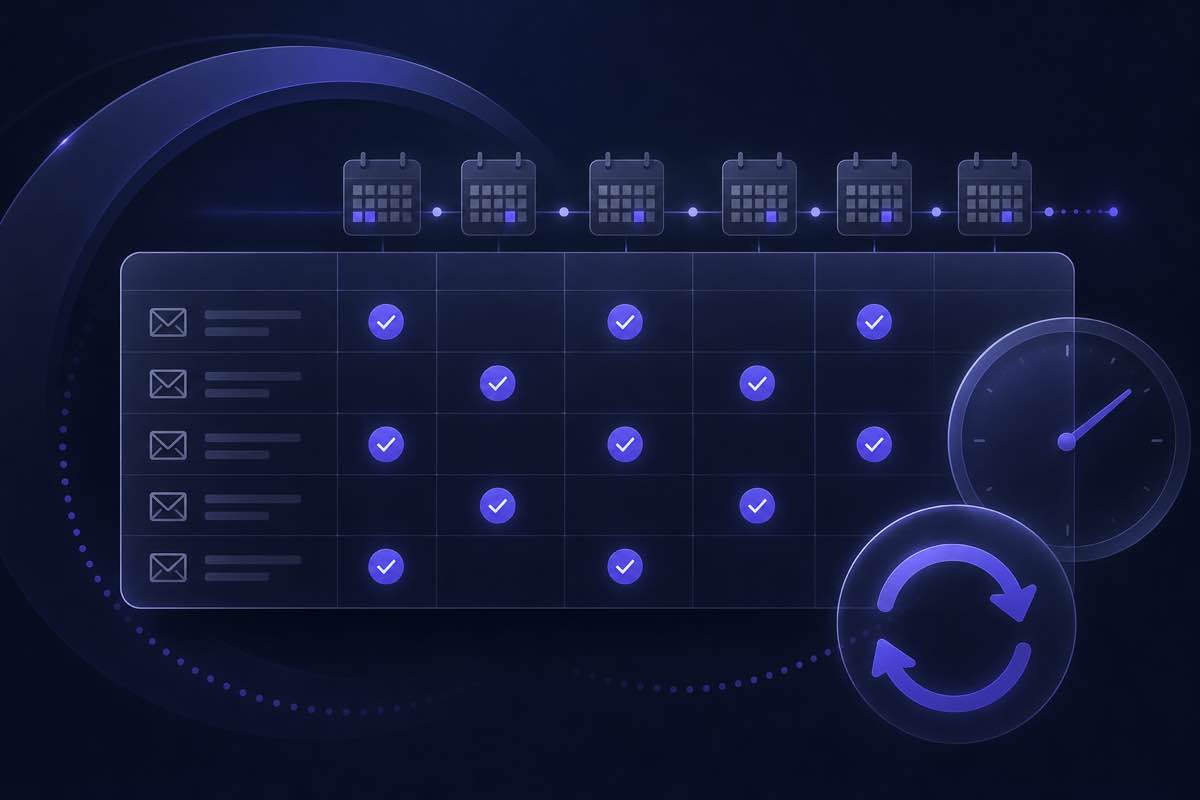
Cleaning an email list once feels like a win—and it is. But addresses do not stay valid forever. People change jobs, domains expire, mailboxes get deactivated, and catch-all policies shift. A list that bounced at 0.5% six months ago can quietly climb toward reputation trouble on the next send.
This guide is for marketers and growth teams who already verify lists but are unsure when to re-verify and how often each segment needs a refresh. You will get practical triggers, suggested intervals by list type, and a lightweight calendar you can adopt without over-cleaning.
Why email lists decay faster than you expect
Email verification answers a snapshot question: can this address accept mail right now? That answer changes over time because:
- Job turnover — B2B contacts leave companies; corporate mailboxes are disabled within days or weeks.
- Domain lifecycle — Small-business domains lapse; MX records disappear or point elsewhere.
- Mailbox policy changes — Providers tighten spam filters, enable catch-all behavior, or block SMTP probes you relied on last quarter.
- List imports and merges — CRM exports reintroduce old rows you already removed or never validated.
- Engagement drift — Inactive subscribers are not always invalid, but combined with bounces they signal list fatigue worth addressing before the next blast.
Re-verification is list hygiene on a schedule—not a one-time project. The goal is to catch decay before hard bounces hit your ESP metrics, not after a campaign underperforms.
When to re-verify an email list: five clear triggers
You do not need to re-run every address monthly. These events are strong signals that a fresh pass will pay off.
1. Before any large or high-stakes send
Newsletter relaunches, product announcements, and re-engagement campaigns to cold segments deserve a pre-send clean. If the list has not been validated since the last major send—or you are mailing a merged export—treat verification as part of campaign prep, alongside subject lines and segmentation.
For a step-by-step upload workflow, see our CSV list cleaning workflow guide.
2. After a spike in hard bounces or complaints
Sustained hard bounce rates above roughly 2% are a common warning threshold cited by ESPs and deliverability practitioners. A sudden jump often means a subset of your file went stale—not that your entire acquisition strategy failed.
Re-verify the affected segment, remove invalid rows, and review whether the source (import, partner list, scraped data) needs tighter validation at intake. Our post on reducing email bounce rate before campaigns covers the full pre-send checklist.
3. When you have not mailed a segment in 90+ days
Dormant lists decay faster in B2B contexts where job changes are common. Before waking a cold cohort, run verification on that slice—not necessarily your entire database.
4. After bulk CRM or tool imports
HubSpot, Salesforce, and spreadsheet merges often reintroduce legacy contacts with mixed validation history. Verify the import batch before it enters an active send queue, especially if the export includes contacts older than 12 months.
5. When catch-all or unknown rows dominated your last clean
If a meaningful share of your file was labeled catch-all or unknown, mailbox policies may have shifted since your last run. Re-checking those rows before a aggressive send reduces guesswork. For how to act on those labels, read catch-all domains: send, caution, or skip.
How often to re-verify by list type
Intervals are guidelines, not laws—adjust for your bounce data and send frequency.
- Active newsletter subscribers (mailed weekly or biweekly) — Every 3–6 months for a full-file pass, or continuous validation on new sign-ups via API. Engagement metrics handle most inactive risk; verification catches structural invalids.
- B2B outbound / sales prospect lists — Every 30–90 days depending on vertical turnover. High-churn industries (tech, agencies) benefit from the shorter end.
- E-commerce and lifecycle marketing lists — Every 6 months, plus always before major seasonal campaigns. Transactional paths should validate at signup in real time.
- Event and webinar attendee lists — Re-verify before each event promotion if the source list is older than 60 days.
- Purchased or partner-sourced lists — Verify immediately on import and again before first send if more than 30 days have passed. Never assume a vendor cleaned on your timeline.
- Re-engagement / win-back segments — Always verify immediately before send. These cohorts combine inactivity with elevated invalid rates.
If you send rarely—say, quarterly newsletters—a practical rule is: verify when the list is older than your last verification, not older than the calendar. A list verified in January and mailed in April does not need May verification unless bounces spiked.
A simple re-verification calendar
Teams without a dedicated deliverability role can use this lightweight rhythm:
- Monthly — Review ESP bounce and complaint reports. If hard bounces exceed your baseline, queue a targeted re-verify of the affected segment.
- Quarterly — Re-verify your highest-volume active list (usually core subscribers or top outbound file).
- Before every major campaign — Run a preview clean on any list not verified in the current quarter.
- At intake — Validate new sign-ups and imports in real time or on the same day they enter your CRM.
Document the last verification date per segment in your ESP or CRM. Even a spreadsheet column prevents accidental sends to year-old exports.
Re-verify the full list or just a segment?
Full-file re-verification is simplest but costs more credits. Segment-level passes are smarter when:
- Only one cohort bounced (e.g., a single import or tag).
- You are waking a cold slice while the core list mails regularly with healthy metrics.
- Your tool supports filtering by last-send date, source, or tag before export.
When in doubt, start with the segment tied to the upcoming send. Expanding to the full database makes sense during annual hygiene or after a CRM merge.
What changes after a re-verification run
Expect some movement even on lists you cleaned recently:
- New invalids — Formerly valid rows that now fail mailbox or domain checks.
- Status shifts on catch-all domains — Rows that move between valid, caution, and unknown as servers change behavior.
- Disposable or role flags on older sign-ups — Especially on lists acquired through forms without real-time API checks.
Update your ESP segments after each run. Suppress do-not-send rows globally; route caution-tier addresses to lower-volume tracks if your strategy allows.
How Validation App fits this workflow
Validation App supports both scheduled list cleaning and ongoing intake validation:
- Free preview before you spend credits — Upload a CSV on the trial page, run a sample, and see how many rows changed since your last clean.
- Segment-friendly exports — Download safe-reach or max-reach files after re-verification so you can match aggressiveness to campaign type.
- Single-address checks for spot audits — Test questionable rows on the deliverability checker before re-mailing a high-value contact.
- API for continuous validation — Wire the email verification API into signup forms and CRM webhooks so new contacts never enter the database unverified.
- Non-expiring credits for bursty schedules — Pay-as-you-go packs suit teams that re-verify a few times a year rather than every week.
Where to start
Pick your highest-risk upcoming send, check when that segment was last verified, and run a preview if the answer is more than 90 days—or sooner for B2B outbound. Re-verification is not about chasing perfection; it is about keeping bounce rates predictable so reputation stays stable campaign after campaign.
Upload a sample on the free trial page, or explore the API docs if you want validation at the point of signup instead of on a calendar.