How to Protect Your Sender Reputation From Common Mistakes
Validation App Team

Your email sender reputation is the score inbox providers assign to your domain and sending infrastructure—not something you see in a dashboard, but something you feel when campaigns suddenly land in spam. Most reputation damage is preventable. It comes from a handful of recurring mistakes: high bounce rates, spam complaints, unverified or purchased lists, weak engagement, and blocklist listings.
This guide is for marketers, growth teams, and anyone responsible for campaign sends. You will learn how each factor hurts deliverability, what signals providers watch, and a practical pre-send checklist you can run before every campaign.
What email sender reputation actually means
Mailbox providers (Gmail, Yahoo, Microsoft, corporate filters) combine signals from your domain, IP addresses, authentication records, and recipient behavior into a trust profile. That profile influences whether mail is accepted, filtered to spam, or rejected outright.
Reputation is cumulative and slow to rebuild. A single bad send can trigger throttling; repeated mistakes can push you into sustained spam placement or blocklisting. The good news: the biggest levers—list quality and send discipline—are under your control.
High bounce rates: the fastest way to lose trust
A hard bounce means the address does not exist or the domain cannot receive mail. A soft bounce is temporary (mailbox full, server busy). Providers treat hard bounces as strong negative signals because they indicate you are mailing to dead or mistyped addresses.
Why it matters mechanically:
- Each hard bounce tells the provider your list is stale or poorly sourced.
- Sustained bounce rates above roughly 2% on a campaign can trigger filtering for subsequent sends from the same domain or IP.
- Old lists decay—people change jobs, domains shut down, typos accumulate.
Common causes include skipping verification before a send, re-mailing an untouched CRM export, and never removing hard bounces from your database. For a deeper dive on bounce reduction, see our guide on reducing email bounce rate before your next campaign.
Spam complaints: when recipients vote you down
When someone clicks “Report spam,” the provider records a complaint against your sending identity. Complaint rates are measured in fractions of a percent—but even 0.1% on a large list adds up, and providers compare your rate to peers in the same category.
Complaints often trace back to:
- Unexpected mail — recipients forgot they subscribed or never opted in.
- Frequency mismatch — too many emails too fast after a long silence.
- Irrelevant content — subject lines that overpromise or audiences that were never segmented.
- Hard-to-find unsubscribe — frustrated users report spam instead of clicking unsubscribe.
Complaints hurt more than low open rates because they are an explicit negative signal. Pair list hygiene with clear consent records and easy opt-out paths on every message.
Unverified and purchased lists: reputation debt you cannot outrun
Mailing addresses you did not collect through clear opt-in—or bought from a third party—is one of the most reliable ways to destroy sender reputation. Purchased lists often contain spam traps, recycled addresses, and people who will complain the moment they see your name.
Even “opted-in” lists fail when:
- Addresses were scraped or imported without verification at signup.
- Contacts are years old with no recent engagement.
- Role addresses (info@, sales@) dominate the file and never engage personally.
- Disposable or temporary addresses slipped through registration forms.
Verification does not replace permission—but it removes invalid and high-risk rows before they become bounces and complaints. Run a free list preview on a sample before you commit to a full send, especially after importing from a CRM or event export.
Low engagement: the quiet reputation killer
Opens and clicks are imperfect metrics, but providers infer interest from whether recipients interact with your mail over time. If large segments never open, filter algorithms learn that your mail is low-value—and inbox placement drops even for people who do want to hear from you.
Engagement decay shows up when:
- You mail the entire database instead of active segments.
- Re-engagement campaigns go to contacts who have been dormant for 12+ months without a sunset policy.
- Subject lines and content do not match what subscribers originally signed up for.
Practical fix: define an engagement window (for example, opened or clicked in the last 90–180 days), suppress or win-back dormant contacts separately, and remove chronic non-openers after a defined sequence. Smaller, engaged lists outperform bloated files every time.
Blacklisting: when the network stops trusting you
Blocklists (DNSBLs and domain reputation lists) flag IPs or domains associated with spam, malware, or abusive sending patterns. ESPs and corporate gateways consult these lists; a listing can cause widespread rejection before mail reaches the inbox.
Listings usually follow a pattern:
- High bounces and complaints from a bad list upload.
- Spam trap hits on purchased or ancient lists.
- Compromised accounts sending bulk mail through your infrastructure.
- Missing or broken authentication (SPF, DKIM, DMARC) that makes you look spoofed or negligent.
Delisting takes time and proof of remediation. Prevention—clean lists, authenticated sending, monitored complaint rates—is far cheaper than recovery.
How Validation App fits: remove invalid addresses before you send
One of the largest preventable reputation hits is mailing to invalid and unverifiable addresses. Validation App helps you eliminate that class of risk before a single campaign message leaves your ESP:
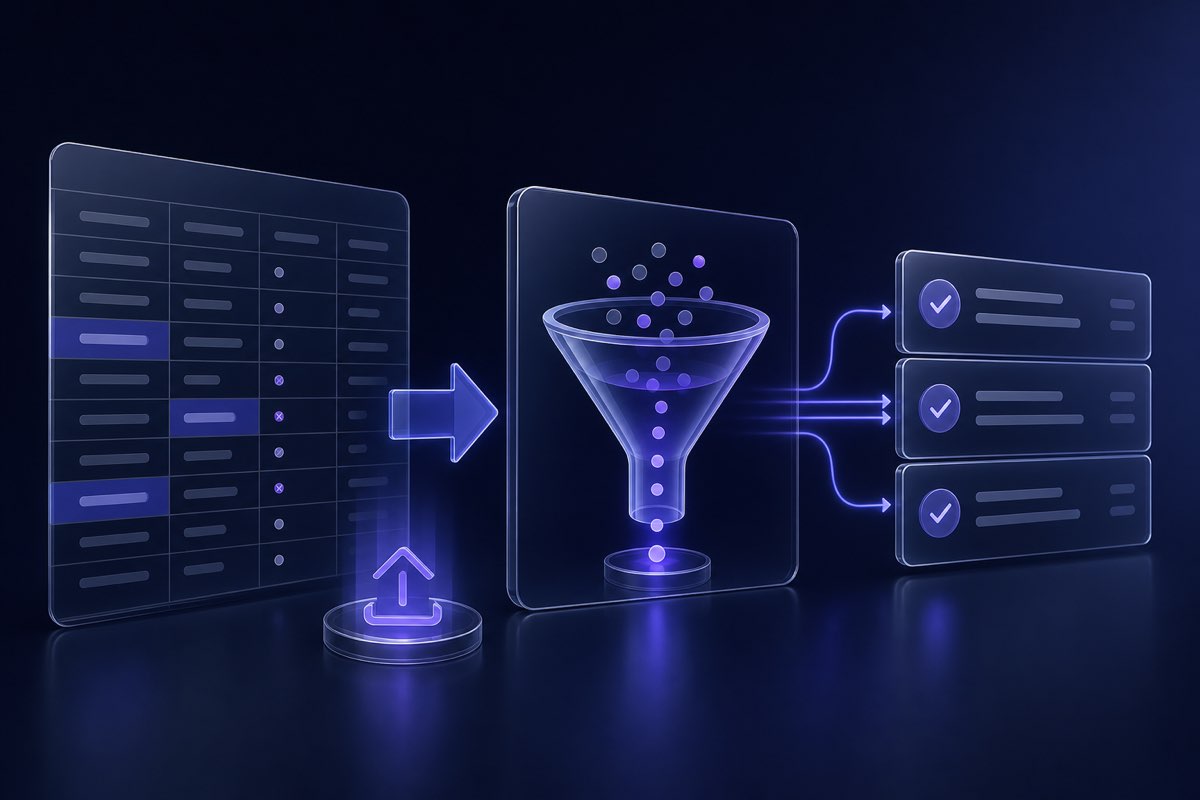
- List cleaning workflow — upload a CSV, run a free preview on a sample, then clean the full file and download safe or max-reach segments.
- Clear send recommendations — each address gets a deliverability status (valid, invalid, disposable, role, catch-all, unknown) so you decide how aggressive to be—not a single opaque score.
- Signup protection — validate at registration via the REST API to block disposable and malformed addresses before they enter your CRM.
- Catch-all awareness — risky domains are labeled so you can send with caution or skip; see our post on catch-all domains for strategy.
Verification is not a substitute for consent or engagement strategy—but it removes the addresses most likely to hard-bounce on day one. Pair it with the checklist below and you address the highest-impact list-quality mistakes in one pass.
Pre-send checklist: protect sender reputation every time
Run through this list before every campaign or bulk send—not just quarterly list cleans:
- Verify the list — remove invalid, disposable, and do-not-send rows; segment catch-all separately if you include them.
- Confirm opt-in — every recipient should have a documented consent path; exclude purchased or scraped contacts.
- Check authentication — SPF, DKIM, and DMARC pass on test sends; fix alignment issues before scaling volume.
- Review bounce history — suppress hard bounces and repeated soft bounces from prior campaigns.
- Segment by engagement — prioritize active subscribers; isolate win-back or sunset flows for dormant contacts.
- Test content and frequency — subject line matches body; sending rate fits subscriber expectations.
- Make unsubscribe obvious — one-click unsubscribe where supported; visible footer link on all marketing mail.
- Send a small test batch — watch bounce and complaint rates on the first 1–5% before full deployment.
- Monitor post-send metrics — bounces, complaints, spam placement, and blocklist checks within 24–48 hours.
Save this checklist as a template in your ESP or project docs. Consistency matters more than perfection on any single send.
Where to start
If reputation has already slipped, start with list quality—not a new IP or domain swap. Export your next campaign segment, run a deliverability check or list preview, and compare bounce rates on a cleaned file versus your usual send.
Sender reputation is built send by send. Remove invalid addresses, respect consent, watch engagement, and authenticate properly—and you avoid most of the mistakes that push good mail into spam.
Related articles