How to Reduce Email Bounce Rate Before Your Next Campaign
Validation App Team
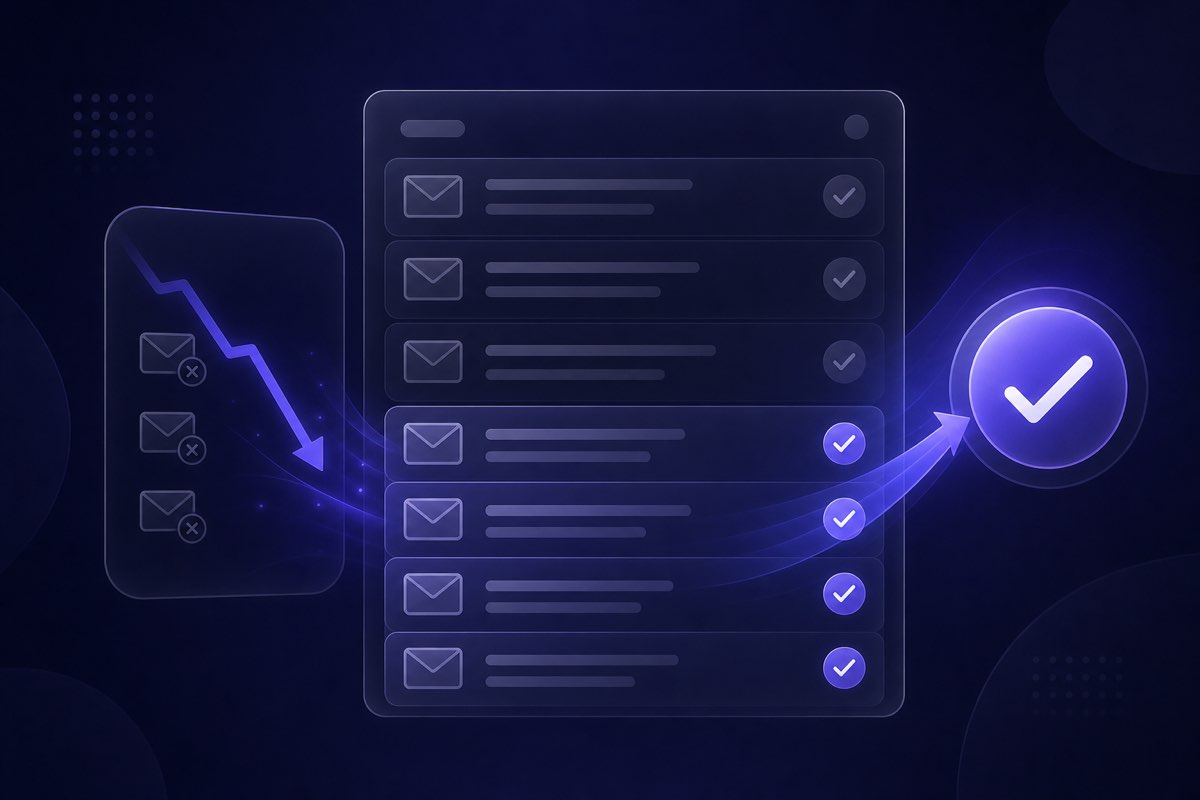
If your last campaign bounced more than you expected, you are not alone. A rising email bounce rate is one of the fastest ways to damage sender reputation—and modern inbox providers treat sustained bounce rates above roughly 2% as a serious signal that your list is unhealthy.
The good news: most bounces are preventable. They usually come from addresses you should never have mailed in the first place—stale CRM exports, scraped lists, typo domains, and sign-ups that were never real. Cleaning before you send is cheaper than recovering a damaged domain.
What email bounce rate actually means
Email bounce rate is the percentage of messages that could not be delivered. ESPs and mailbox providers track two types:
- Hard bounces — permanent failures: the address does not exist, the domain is dead, or the mailbox was removed. These are the ones that hurt reputation fastest.
- Soft bounces — temporary issues: full mailbox, server timeout, or a transient block. A few are normal; a pattern across a list often means underlying hygiene problems.
Marketing teams usually focus on hard bounces before a send because they are predictable and removable. Soft bounces need monitoring, but hard bounces are what verification tools are built to catch.
Why bounces hurt more than wasted sends
Every hard bounce tells Gmail, Microsoft, Yahoo, and your ESP that you are mailing people who did not ask—or that your data is stale. Over time that compounds:
- Lower inbox placement — even engaged subscribers see fewer opens when reputation drops.
- ESP throttling or suspension — most providers enforce bounce thresholds on shared IPs and on your account.
- Blocklist risk — repeated mail to invalid addresses can trigger spam-trap hits and denylist entries.
- Skewed analytics — high bounces inflate list size and deflate real engagement rates.
That is why list cleaning before a campaign is not optional for teams sending at any real volume. It is basic deliverability hygiene—the same category as authentication (SPF, DKIM, DMARC) and complaint management.
Common causes of high email bounce rate
Before you upload another CSV, it helps to know where bad addresses come from:
- Old lists — contacts change jobs; domains expire. A list untouched for 12+ months often carries double-digit invalid rates.
- Single opt-in without verification — typos like gmial.com slip through forms and become hard bounces on send day.
- Purchased or scraped data — these lists decay quickly and frequently contain spam traps.
- Disposable and role addresses — info@, support@, and burner inboxes may accept mail once then disappear.
- Catch-all domains — the server accepts everything, so invalid addresses do not bounce until later—when reputation damage is already underway.
- CRM sync drift — merged records, duplicate imports, and formatting errors introduce addresses that never belonged on a marketing list.
None of these fix themselves. Each send to a bad segment refreshes the problem.
How to reduce email bounce rate before your next campaign
A practical pre-send workflow looks like this:
1. Segment and prioritize
Do not clean and send the entire database at once if you have not mailed recently. Start with the segment you actually need—launch audience, re-engagement cohort, or geographic slice—and expand once bounce rates stay low.
2. Remove obvious junk first
Strip duplicates, malformed syntax, and internal test addresses in your spreadsheet or CRM. This is free and catches a surprising share of noise before you spend verification credits.
3. Verify deliverability before send day
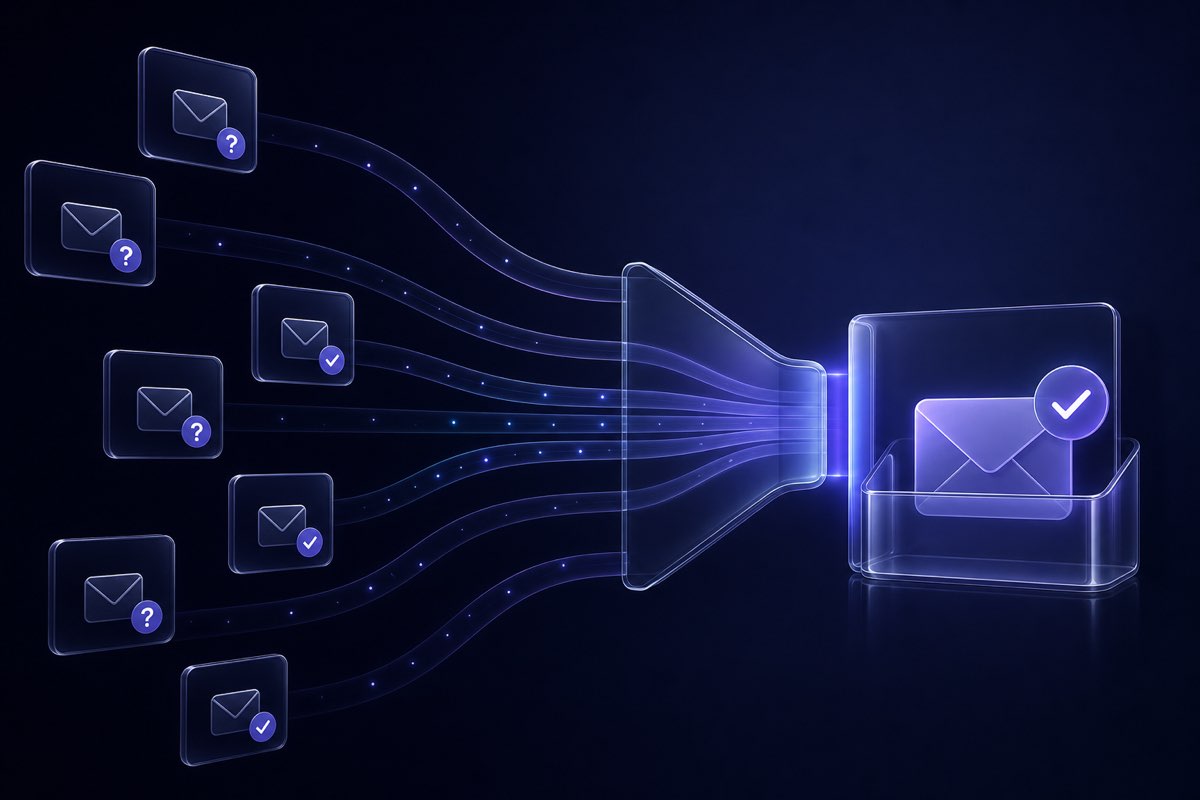
Run addresses through verification that goes beyond syntax checks. At minimum you want domain/MX validation; for B2B and cold lists, SMTP-level mailbox checks (where providers allow them) surface invalid addresses that DNS alone misses.
Look for clear categories—valid, invalid, disposable, role, catch-all, unknown—and explicit send recommendations, not a single opaque score.
4. Decide how aggressive to be on risky rows
Catch-all and unknown addresses are judgment calls. Conservative teams exclude them from cold outreach; others mail a small test batch first. The important part is knowing they are risky—not treating them as verified.
5. Re-verify high-stakes lists
Lists older than six months, post-acquisition merges, or any file from a third party should be re-checked even if you validated once before. Email data rots continuously.
6. Measure on a small send first
After cleaning, mail a 5–10% test to the cleaned segment. Compare hard bounce rate and complaints against your baseline. If you are under 1–2% hard bounces, scale the rest of the campaign.
Quick checks you can run today
Not ready for a full list upload? Two fast options:
- Single-address check — paste a suspicious contact into the deliverability checker to see status and send recommendation before adding it to a sequence.
- Sample list preview — export a few hundred rows from your next campaign CSV and run a free health preview on the trial page to estimate bounce risk before you commit credits to the full file.
Both take minutes and beat discovering a 5% bounce rate in your ESP dashboard after the fact.
How Validation App fits in
Validation App is built for marketers who need to reduce email bounce rate without running scripts or guessing at spreadsheet filters:
- Honest deliverability labels — syntax, MX, and SMTP checks where allowed, with send recommendations (safe, caution, do not send) so you can match aggressiveness to campaign type.
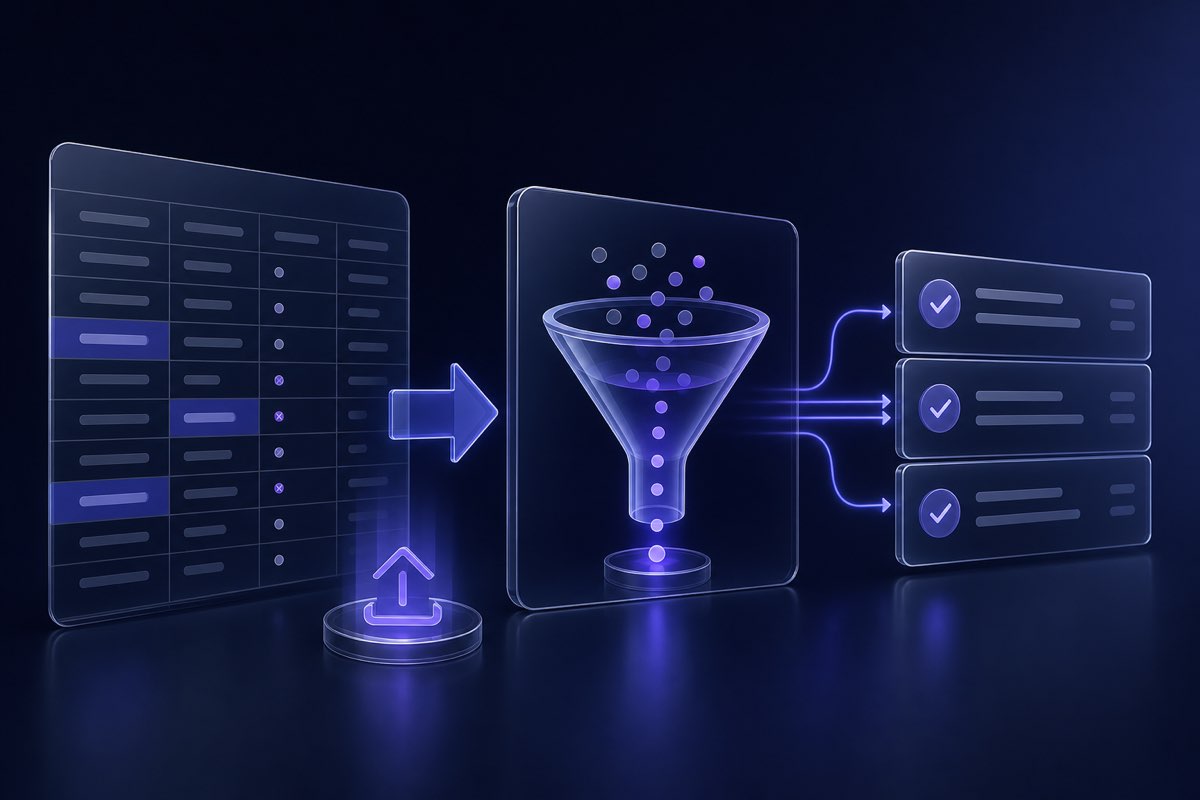
- Bulk list cleaning — upload a CSV, preview a sample for free, then clean the full list and download segments tuned for reach vs. safety.
- Risk flags you can act on — disposable, role-based, and catch-all domains are labeled clearly instead of being marked "valid" by default.
- API for ongoing hygiene — validate at signup or CRM import so bad addresses never enter the database; same logic as the dashboard, available via REST when your ops team needs automation.
Pricing fits both bursty and steady senders: a free list health preview with trial credits, monthly plans for teams that validate continuously, and lifetime pay-as-you-go packs when you clean lists a few times a year.
Where to start
If your bounce rate crept up on the last send, treat the next campaign as a reset:
- Export the exact segment you plan to mail.
- Run a free list health preview on the trial page—review invalid, risky, and catch-all counts.
- Remove or segment do-not-send rows, then test-send 5–10% of the cleaned list.
- Compare hard bounces and engagement against your last campaign.
Seeing bounce rate drop on your own data is more useful than any vendor accuracy claim. If you already use another verifier, run the same sample through Validation App and compare how each tool handles catch-all and protected domains—that is where lists quietly fail.
Ready to check your next list? Start your free list health preview—no commitment required.
Related articles